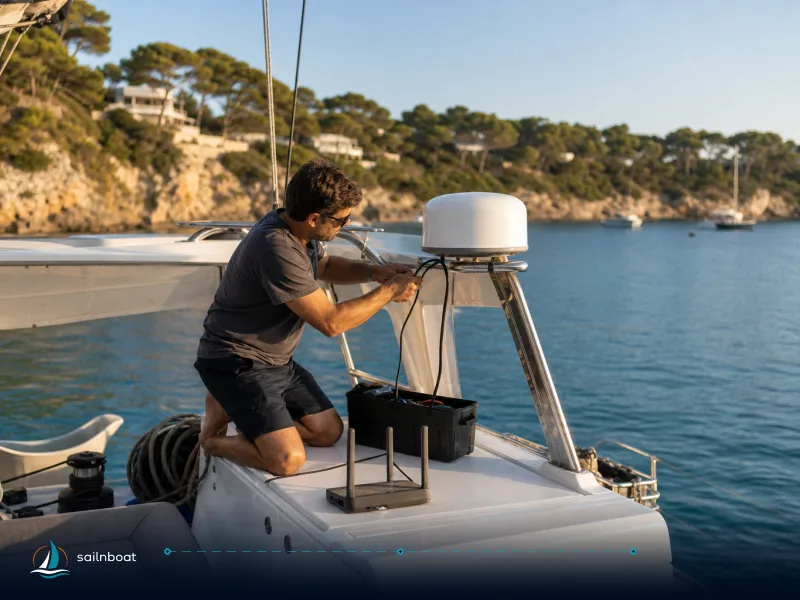
Working Remotely on a Yacht: Practical Checklist for Long‑Stay Charters
A compact, decision-ready checklist to keep your job running while on a long yacht charter — covers connectivity options (cellular, Starlink, marina Wi‑Fi), power budgeting, workspace setup, contracts and costs.

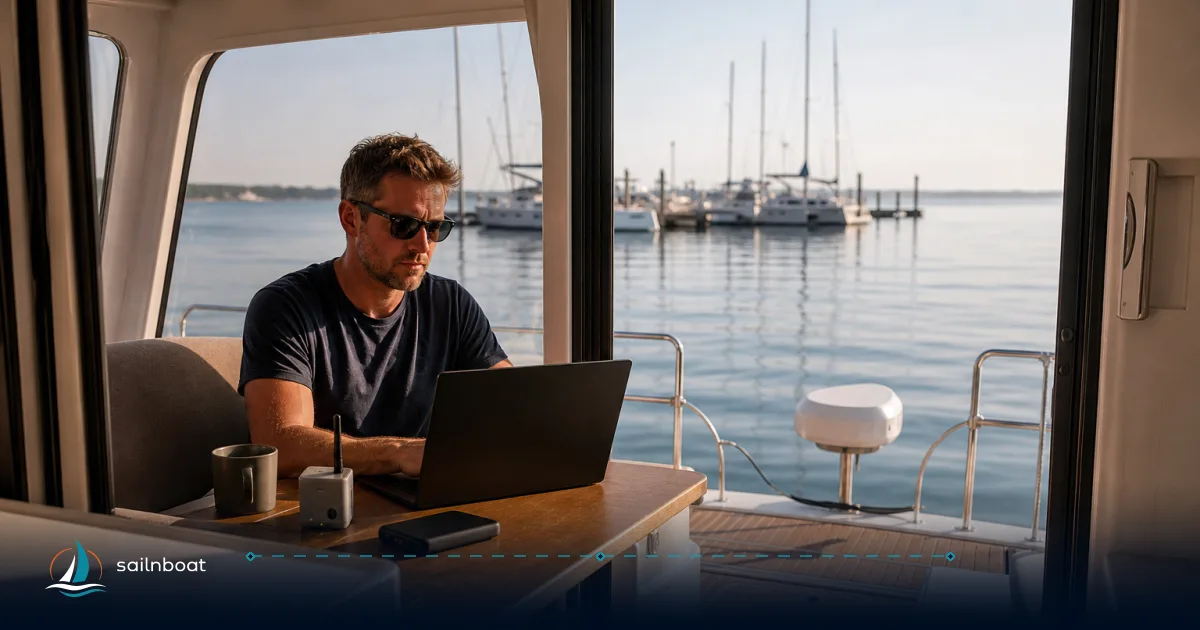
If your plan is to work remotely from a yacht for more than a week, the success of your trip will depend on two things: reliable internet and a dependable power supply. Most disruptions—missed deadlines, dropped calls, or unexpected marina fees—come from underestimating one or both. Decide on your connectivity and power approach before you book, not after you board. Improvising at sea is costly and rarely delivers the result you want.
Reliable Internet Connectivity Options
Working remotely on a yacht means you are only as reliable as your weakest internet connection. Treat redundancy as essential, not optional. Relying on marina Wi-Fi or a single SIM card is a recipe for frustration. You need a layered approach: a primary cellular setup near shore, satellite backup for anchorages or offshore legs, and a clear sense of what each tier costs and where it fails.
Types of Connectivity
-
Cellular (4G/5G) with a dedicated marine router and external antenna
-
Why: Coastal 4G/5G offers the best speed and lowest latency as long as you stay within the coverage zone. Data is far cheaper per gigabyte than satellite. Use a marine-grade router (brands like Peplink, Cradlepoint, Teltonika) with dual-SIM failover and a 4×4 MIMO antenna. This setup supports SIM switching, load balancing, and easy Starlink WAN integration if you add satellite later.
-
Operational Note: With a well-sited antenna, you can sometimes maintain a usable 4G/5G signal up to 10–20 nautical miles offshore in flat, urbanized regions, but the real range depends on antenna height, carrier infrastructure, and local topography. Coverage can drop sharply in remote or mountainous areas. Always check with a provider who understands marine use for your route. Treat cellular as your main near-shore layer, not a universal solution.
-
Satellite (Starlink and VSAT)
-
Why: Satellite is the only true option for in-motion or offshore connectivity. Starlink’s consumer kits (Standard/Roam) cost less than dedicated maritime hardware, but are not optimized for continuous, high-motion, or persistent offshore use. Many crews run a Starlink Standard kit for affordable near-coastal backup, upgrading to a maritime/priority plan only if they need guaranteed, high-volume offshore service.
-
Cost Calibration: In most European markets, Starlink consumer hardware (Standard/Roam) typically costs €350–€400, with monthly residential plans from €40–€90 depending on the country and plan. Dedicated maritime/priority hardware and plans are a major step up: hardware is often several thousand euros, and monthly plans for global or high-priority data can exceed €1,500, with some global plans listed up to €1,806/month (as of early 2024). Hardware costs for maritime kits are not always fixed; check current prices for your region and intended use.
-
Marina Wi-Fi
-
Use-case: Suitable for low-priority tasks—downloads, emails, backups—while docked. Speeds drop sharply in high season, and many marinas use captive portals or bandwidth caps. Some marinas include Wi-Fi in the berth price; in others, access may involve a small extra fee, though specific daily prices are not always published. Never rely on marina Wi-Fi for video calls or sensitive work without a VPN and a live speed test.
Connectivity Comparison Table
| Option | Best for | Typical Cost (signal/setup) | Limitations |
|---|---|---|---|
| Cellular router + antenna | Coastal, calls, video | Router €400–€1,200; antennas €150–€600; data plans vary | Range limited to shore; roaming and coverage gaps |
| Starlink Standard/Roam | Broadband near coast, backup | Hardware €350–€400; monthly €40–€90 (by country/plan) | Not optimized for in-motion use everywhere |
| Starlink Maritime / VSAT | Global, high-volume data | Hardware typically several thousand euros; plans up to €1,800+/mo | High upfront and ongoing costs; pro install often needed |
| Marina Wi-Fi | Docked, light tasks | Usually included in berth; sometimes small extra fee | Congestion, variable reliability, captive portals |
Practical tip: Build redundancy. Use a dual-SIM cellular router as your primary connection, Starlink Standard as a backup for anchorages or patchy areas, and only consider Starlink Maritime or VSAT if you require persistent, high-volume, offshore service.
Effective Power Management Strategies
Keeping your devices running is as critical as your internet connection. A typical remote work setup—laptop, router, phone—can easily outdraw your yacht’s navigation electronics. Estimate your real-world daily consumption in watt-hours (Wh), then size your solar, generator, and battery bank to cover with a margin.
Daily Energy Consumption Estimates
- Laptop: Most modern laptops draw 30–60 W when active. An 8-hour workday at 30 W uses ~240 Wh. Lighter use (browsing, email) may average less; long video calls or power-hungry laptops can push this higher.
- Phone: One full charge uses about 15–20 Wh/day with regular use.
- Router/Wi-Fi: Marine routers typically draw 8–15 W continuously. For a full day, expect 190–360 Wh, depending on model and usage. Some setups may use less, but continuous use and multiple devices can push this up.
Example daily load (single remote worker):
| Device | Usage (hours/day) | Power Draw (W) | Daily Consumption (Wh) |
|---|---|---|---|
| Laptop | 8 | 30 | 240 |
| Phone | — | — | 20 |
| Router | 24 | 10 | 240 |
| Total | ~500 Wh/day |
Heavy setups with extra screens or multiple users can reach 800+ Wh/day. If you want certainty, measure your actual Wh draw for several days at the dock.
Charging Strategies
- Shore power: Use marina shore power to top up batteries and fast-charge large devices whenever possible.
- Solar: Schedule heavy charging during daylight. A 100 W flexible panel in Southern Europe can produce 300–500 Wh per day in peak summer, but output drops significantly with shade, low sun, or overcast. In spring/autumn or northern latitudes, expect less—often 150–300 Wh/day per 100 W panel.
- Efficient charging: Use an MPPT charge controller. Expect inverter and charging losses of 10–20% compared to rated panel output.
Solar and Battery Sizing — Practical Numbers
- Solar: Deck-mounted flexible panels (100 W each) are common. Brands like Renogy, Victron, and SunPower are widely used. Panels generally cost €100–€300 each. Real-world output is highly dependent on sun angle and shading; in peak summer, clear sky, good tilt, you can expect 300–500 Wh/day per 100 W panel, but spring/autumn or poor orientation can halve this.
- Battery: A 12.8 V 100 Ah LiFePO4 battery (≈1,280 Wh usable) is a standard module size. Pricing varies: in Europe, these typically run €400–€700 per unit from mainstream brands as of 2024. Plan for at least 1–2 days of autonomy—two batteries give a realistic working buffer for most setups.
Trade-off: More battery and solar mean less need for marina stops and generator hours but increase upfront cost and take up space and weight. Too little, and you’ll be forced into marinas or noisy generator runs more often than you’d like.
Designing a Functional Onboard Workspace
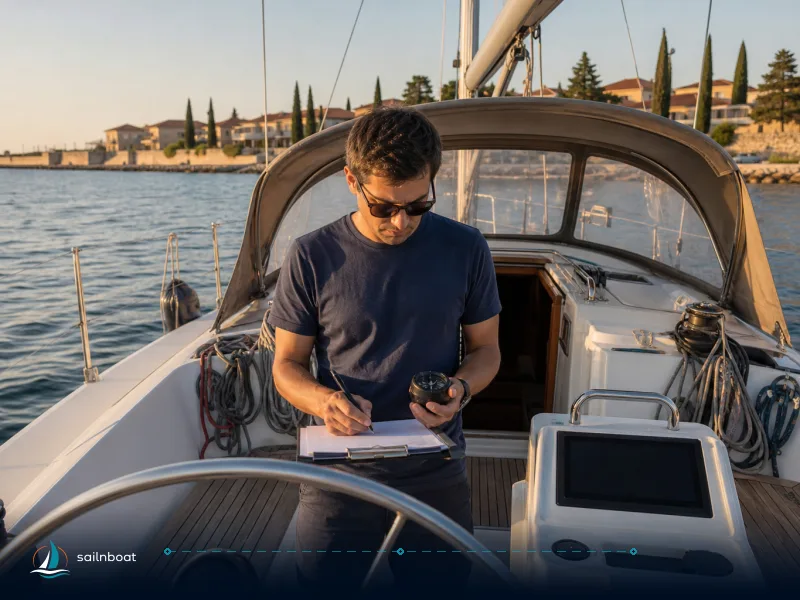
Your workspace setup affects not just productivity but also crew harmony. Stability, shade, and some privacy matter far more afloat than in any home office.
Workspace Setup
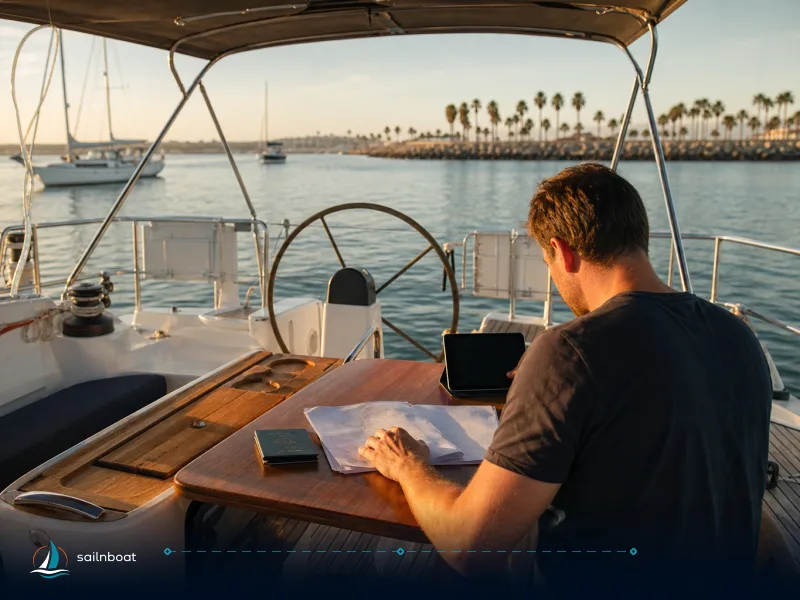
- Location: The saloon table usually offers the best mix of stability, shade, and central location. Forward-facing seats help reduce seasickness during long sessions.
- Securing equipment: Use non-slip mats for laptops and straps or brackets to keep devices in place if the yacht heels or rolls.
- Screen visibility: Sun glare can ruin productivity. Matte screen protectors or a laptop hood help. For dual-screen setups, portable USB-C monitors (13–15") now weigh under 1.5 kg and stow flat.
- Power routing: Where possible, use direct DC-to-USB-C charging to avoid inverter losses. Many modern laptops can charge from 12–24 V DC via USB-C PD if your yacht’s system supports it.
Ergonomics and etiquette: Noise-cancelling headphones are essential for calls. Avoid blocking walkways during meetings, and establish a spot where crew won’t need to step over you during critical calls.
Navigating Contractual Obligations
Working remotely afloat involves more than bringing a laptop and hotspot. Visa, insurance, and employment rules all apply, and missing a detail can have real consequences.
Visa Requirements
- Reality: Visa and work-permission rules vary by country and are evolving. Many European countries now offer “digital nomad” visas, but in others, remote work may violate tourist visa terms. Employer policies and tax rules may also create “permanent establishment” risks for your company.
- Practical approach: Discuss your plans with your employer and research the rules for each country you’ll spend time in. Some companies restrict remote work in certain countries for compliance reasons.
Insurance Considerations
- Medical and evacuation: Ensure your travel or expat policy covers offshore stays and medical evacuation from anchorages. Many standard policies exclude offshore yachting or high-risk activities.
- Charter and liability: Some bases charge extra fees or require higher security deposits for long-term stays or remote workers. Clarify this with your charter operator before booking.
- Electronics and data: Look for policies that cover business equipment loss/theft and water damage. Many travel insurance policies do not automatically include work electronics.
Data Security and Compliance
- Security basics: Always use a VPN when on marina Wi-Fi or public networks. Enforce multi-factor authentication, keep software patched, and avoid storing sensitive data unencrypted. Security agencies generally recommend using your own mobile data network over public Wi-Fi for sensitive work.
Establishing Crew Expectations
Your remote work setup is a service the yacht provides to you, but it affects everyone aboard. Set clear, written expectations with your crew and skipper from the outset.
Communication Protocols
- Schedule: Agree on quiet windows for calls (for example, 09:00–11:00 and 15:00–16:00). Define what counts as an acceptable interruption (safety, docking) and how to signal emergencies without disrupting meetings.
- Privacy: Reserve a forward seat or private cabin for confidential calls if possible. Decide on curtain or door etiquette during calls, and set a knock-before-entering rule.
- Assistance: Agree who helps with line handling during calls, and whether maneuvers will be scheduled outside core work hours. If your charter includes a skipper or host, clarify if on-call help is included or extra.
Put this agreement in writing and share it with your crew and your charter manager.
Budgeting for Connectivity and Marina Stays
Working remotely afloat brings both one-off hardware costs and ongoing monthly fees. Marina stays, connectivity, and equipment upgrades add up—plan for them in advance.
Cost Estimates and Ranges
- Cellular kit: Marine routers (Peplink, Teltonika) typically cost €400–€1,200, external antennas €150–€600. Data plans vary by country: regional prepaid plans are often best for short stays; expect €20–€150/month for moderate use.
- Starlink:
- Standard/Roam: Hardware €350–€400; monthly €40–€90 (country/plan dependent).
- Maritime/Priority: Hardware often several thousand euros; monthly plans for higher tiers can reach €1,800 or more depending on region and data tier.
- Solar and battery upgrades:
- Flexible 100 W panels: €100–€300 each.
- 12.8 V 100 Ah LiFePO4 battery: €400–€700 each. You may need multiple units for adequate autonomy.
- Marina fees: In the Mediterranean, berth fees for a 40–45 ft yacht typically range from €40–€90/night in smaller ports or shoulder season, and can exceed €150–€300/night in high-demand marinas or peak summer. Catamarans are often charged 1.5–2× monohull rates. Fees vary widely by country, region, and season—always check current rates for your planned route.
Budget Example (per month on the water, approximate):
| Item | Typical Monthly Cost (EUR) | Notes |
|---|---|---|
| Cellular data (prepaid/SIM) | €20–€150 | By volume and region |
| Starlink residential plan | €40–€90 | Maritime plans much higher |
| Marina nights (5–10/month) | €250–€2,000 | By region, season, yacht size |
| Solar/battery (amortised) | €30–€100 | Over several years |
Trade-offs: More marina nights guarantee power and Wi-Fi but increase costs. More solar and battery storage means higher upfront spending but less reliance on shore facilities.
Localising Your Budget
The ranges above give a baseline, but actual costs can shift significantly by country, season, and itinerary. To build a localised budget:
- Check the current Starlink plan map and pricing for your intended cruising region.
- Request up-to-date marina fee charts from your charter base or use regional marina directories.
- Compare local prepaid SIM rates and roaming rules for each country on your route.
- Factor in the actual number of marina nights you’ll need based on your boat’s energy setup and your work schedule.
Final Checklist — Day-of Handover and Operational Items
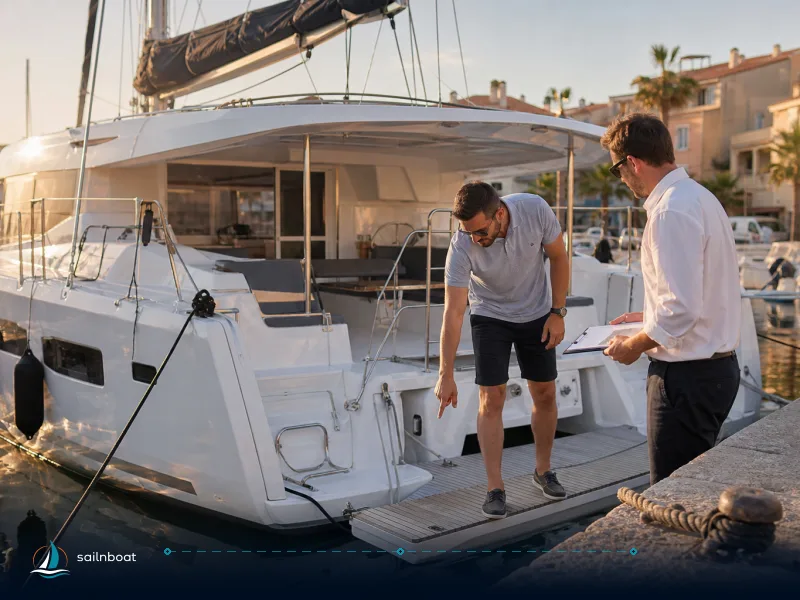
- Confirm with your charter base what’s included: berth at the base marina, Wi-Fi, shore power, and any extra fees.
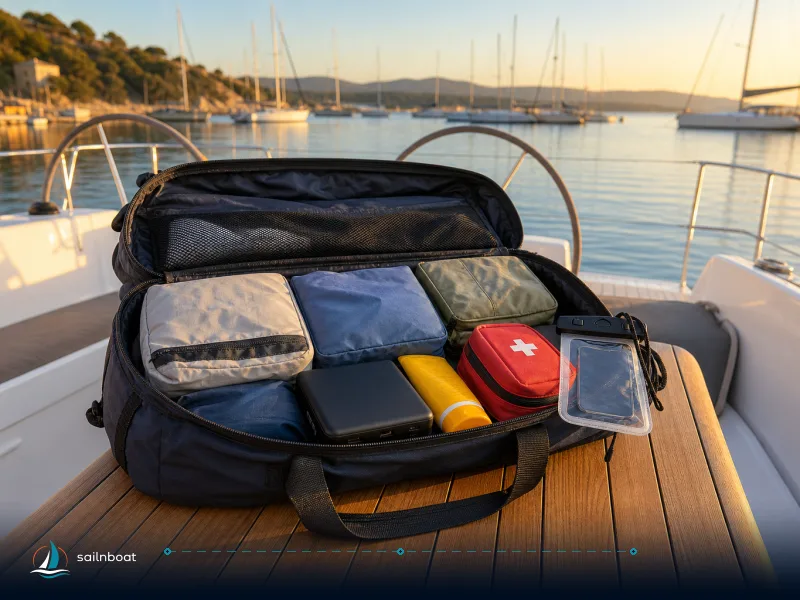
- Bring or arrange: at least one unlocked travel SIM per region, a USB-C PD charger, a power bank or UPS capable of topping up your laptop, and a VPN subscription.
- Establish a written work schedule and emergency protocol with your skipper and crew at the first briefing.
- Test your planned workstation on day one: run a 30-minute video call to check network, camera, mic, and power setup.
- Track your actual Wh consumption for at least three days to validate battery and solar assumptions; adjust generator or shore schedules as needed.
Frequently Asked Questions
Use a two-layer approach: a dedicated marine cellular router (dual‑SIM, external antenna, 4G/5G) with a signal booster for near‑shore work, and Starlink (or other VSAT) as the in‑motion / offshore fallback; marina Wi‑Fi is useful for light tasks but is often congested.
Estimate device energy in watt‑hours, prioritise charging during daylight, add solar to reduce generator/shore stays, and fit a battery bank sized to cover your daily working load plus a safety margin.
Use the saloon table for stability and shade, run video calls from a forward-facing, shaded seat to reduce motion and glare, use matte screen protectors or a laptop hood, and consider a portable monitor for a second screen.
Check local visa rules and employer policies (digital-nomad visas versus tourist entries), ensure your travel and medical insurance covers offshore stays and long durations, and clarify how being offshore affects employer payroll/tax obligations.
Agree a written schedule at check-in with quiet windows for calls, an onboard signalling method for urgent interruptions, and a protocol for crew assistance (e.g., who handles lines if a call is in progress).
Expect modest cellular kit and antenna costs for near‑shore use, residential Starlink hardware commonly around €300 (but maritime/priority kits cost much more), monthly data plans often €40–€100 depending on plan and region, while marina berths can range widely — in the Mediterranean a 40–45ft berth often runs €50–€200+ per night in season.
Written by
Sailnboat Editorial
The Sailnboat editorial desk covers yacht and boat chartering worldwide — routes, bases, seasons, boat types, paperwork and the practical costs that decide a trip. We are a charter marketplace, not a boat owner or a local agency: what we sell is judgement and support, so our guides are written to help you make a decision, not to sell you a specific boat. Every guide is checked against live operator and marina data before it goes out.
Fact-checked against live operator and marina data, and published under our editorial standards. Last reviewed: .