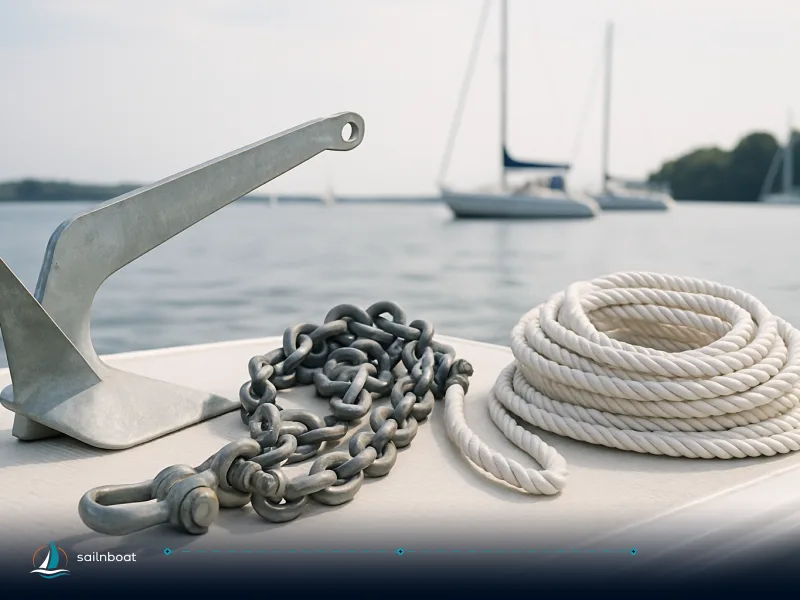
Anchor Watch: Setting Alarms and Ensuring Safety at Anchor
A practical, step‑by‑step guide to set electronic and manual anchor watch alarms, test redundancy between chartplotter and phone, verify battery/GPS health, and use a night‑watch checklist so you can sleep while anchored.

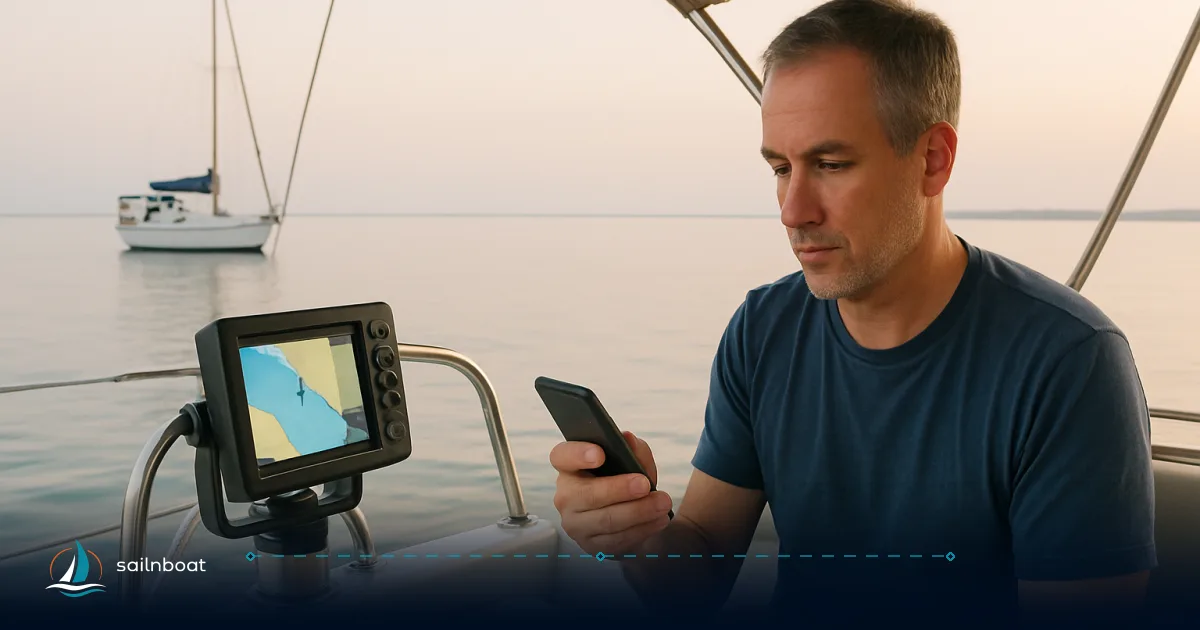
A simple, reliable anchor watch is a chartplotter alarm plus a phone app beside the bunk — that combination gives you audible bedside alerts and a non‑critical backup at the helm.
Setting Up Electronic Anchor Watch Alarms
Practical anchor watch is a two‑step habit: (1) set the primary alarm where the boat is monitored at the helm (chartplotter/MFD), and (2) run a dedicated phone app beside the bunk so the alarm wakes you. Below are step‑by‑step actions and device notes.
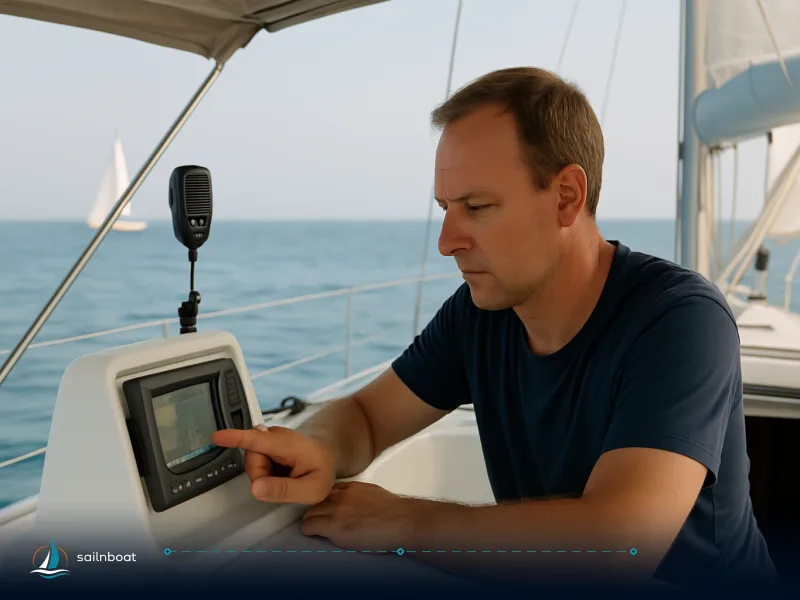
Using Chartplotters
-
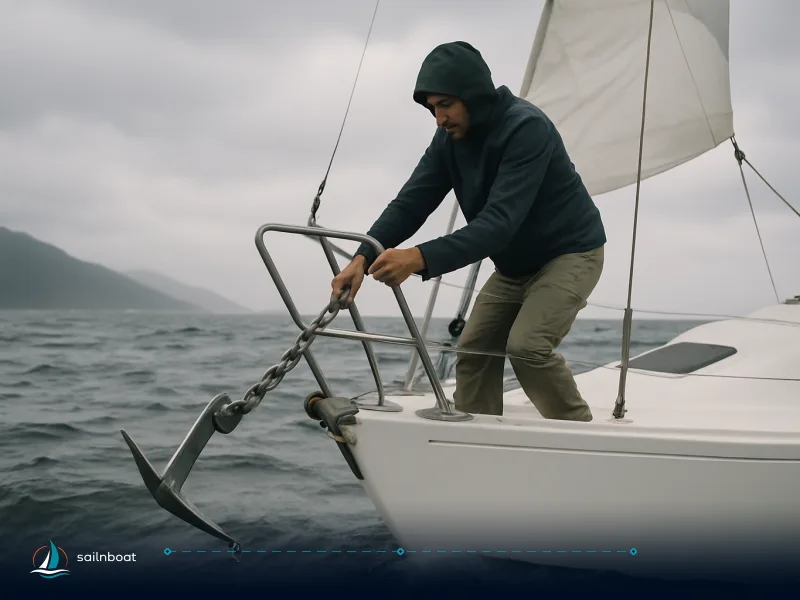
Mark the anchor position where the anchor actually went down: press “drop anchor” the moment it reaches the bottom, or, if you mark it later from the settled boat, enter the offset (distance and bearing back to the anchor). The alarm circle must be centred on the anchor, not on wherever the boat lies after backing down. Most modern MFDs and chartplotters show an Anchor/Drag dialog where you set the anchor point and the guard radius, then enable the Anchor Watch/Anchor Drag alarm. For example, Furuno plotters let you set an anchor position and alarm radius from the Anchor Watch menu, and many MFDs show the watch circle on the chart when active.
-
Typical basic steps (generic, works on most units):
- Back down gently on the anchor so the hook is dug and the rode is straight.
- On the plotter, open Alarms → Anchor Watch (or Anchor Drag) → Set anchor position (this records the GPS antenna’s position unless you have entered a bow offset).
- Enter the guard radius (see next section for how large). Enable the alarm and confirm audible tone is ON.
- Keep the plotter powered and note whether the unit shows a “warning” area before the full alarm and an escalated alarm if the limit is breached; the presence and threshold of a warning zone varies by model. Many units will escalate a warning into an alarm after a short acknowledgement window.
- Device specifics to check in your manual: where the anchor point is referenced (bow or GPS antenna), whether the plotter supports position averaging or filtering, and the alarm acknowledgement/escalation behaviour — these differ between models and affect false positives and audibility. Consult the exact model manual for menu names and steps.
Mobile Apps and Phones
-
Choose a dedicated anchor‑alarm app that supports background GPS tracking and loud, persistent alarms (examples in use include Anchor Alarm / Anchor Alarm Pro / Anchor Easy and similar apps). These apps can run with the phone locked, vibrate and sound a ringtone even if silent, and many support sharing a watch to a second device. Put the phone next to the bunk, plugged in and with “allow location always” enabled.
-
Typical phone setup:
- Install a dedicated anchor alarm app and grant “allow always” background location.
- Set the anchor position (usually a single tap “Set anchor here”) once the rode is settled.
- Set the swing radius and any pre‑alert behaviour (some apps support sector/ bow–stern corridors for stern‑to moorings).
- Turn off aggressive battery‑saving for the app (or use the app’s “keep screen on” / low‑power sampling options if available). Plug the phone into a charger overnight.
- Why use both: chartplotter alarms sound at the helm and rely on the boat electrical supply; phone alarms are bedside and don’t draw from the service battery. Running both gives immediate bedside alerting and an independent system at the helm.
Choosing Alarm Radius and Timeout Settings
Choosing the right radius and timeout is the trade‑off between early warning and false alarms. Use swing geometry and GPS behaviour, not guesswork.
Determining Alarm Radius
-
The correct anchor alarm radius covers your full swing circle (rode extended horizontally) plus a margin for GPS error and expected snatches. A practical rule of thumb for coastal cruising yachts is often in the range 30–50 m for smaller boats in moderate conditions; busy anchorages, big tides or long rode require a larger radius. Use the actual scope you’ve put out (see next bullet) to set a baseline.
-
How to calculate a starting value:
- Estimate your horizontal rode length (length of rode out — chain length or chain + rode) in metres.
- With the circle centred on the anchor, the boat can lie anywhere up to the rode length plus its own length away (the GPS antenna usually sits well aft of the bow), so set the radius to rode + boat length + a few metres for GPS scatter. If you could only mark the position after settling back, the boat can swing round to the opposite side — the radius then has to be roughly twice the rode length plus the boat length.
- If space is tight (other boats, shoals), keep the radius as small as your real swing allows so the alarm sounds early — a larger circle only delays the warning. If your swing circle reaches a hazard, the spot is too tight: re-anchor or pick a different anchorage.
- Practical example: with ~30 m of rode out on a 12 m yacht and the anchor itself marked, a 45–50 m circle is a realistic start (marked from the settled boat, you would need about 75–80 m); in an exposed bay with a 2 m tide swing and heavy wind expected, widen that circle or consider moving to a safer anchorage.
Configuring Timeout and Position Averaging
-
Position averaging filters GPS jitter; many chart and MFD systems and apps offer a “position averaging” or “position filter” setting, sometimes configurable over a range of a few seconds to several tens of seconds, depending on the device or app. Enabling short averaging reduces false alarms from GPS noise.
-
Warning vs alarm behaviour: many systems present a warning zone before the full alarm and only fire a full alarm when the boat crosses 100% of the guard circle — some devices escalate the warning to a full alarm if unacknowledged after a short interval, but the timing and escalation behaviour varies by manufacturer and model. For crew sleep, prefer a system where the bedside phone gives an immediate persistent alarm while the plotter provides the helm warning/back‑up.
-
Suggested settings to start with:
-
Position averaging: on, with 5–30 s depending on GPS stability.
-
Alarm radius: rode length + boat length + a small margin, measured from the anchor itself (roughly twice the rode if you marked the boat’s settled position).
-
Alarm acknowledgement/escalation: accept the plotter’s short escalation but rely on the phone for bedside wake‑up. These suggestions reflect common practice among cruising skippers and anchor‑alarm apps.
Implementing Redundancy in Anchor Watch Systems
Redundancy is not a single extra device — it’s devices that fail in different ways. The common, robust pair is: chartplotter/MFD (primary at helm) + phone app (bedside). Add a third (AIS/boat network or smartwatch) where available.
Using Both Chartplotter and Phone
-
Roles:
-
Chartplotter/MFD: continuous helm monitoring, integrated with NMEA/boat GPS, good for log and visibility at the helm.
-
Phone app: bedside alarm, louder next to the sleeper, independent from boat power and often better at forcing audible alerts through iOS/Android features.
-
Synchronisation steps:
- Set the anchor on the chartplotter first after backing down on the hook. Note the locked coordinates.
- Open the phone app and use “Set anchor here” to drop a separate watch (many apps accept manual lat/lon if you want both to exactly match).
- If the app supports linking or sharing (some apps generate a short code or let a second device monitor the phone’s watch), enable that so a shore device can also receive alerts. Test the link while still alongside.
- Trade‑offs: the plotter requires boat power overnight; the phone draws from its battery but can be kept on a USB charger. If service batteries are low, rely on the phone as your primary audible watch and minimise plotter power use.
Testing Redundancy
- Test plan (simple, repeatable):
- Land test: set an anchor in the app, walk outside the guard radius and confirm the phone alarms loudly. Do the same on the plotter where possible (simulated tests or test mode). Many apps and chart packages recommend a land test.
- On‑water test while anchored: with caution, after the anchor is set and you’ve verified space and short notice to recover, have one crew member walk the handset to the edge of the circle (or, alternately, back the vessel down gently under engine a few metres) to trigger both alarms. Do this during daylight or early evening so recovery is quick.
- Confirm both devices sound their alarms and that the bedside phone will persistently alarm even when the screen is locked or the phone is in silent mode.
- Record the test result in the log (date, time, who tested, battery %s). Regular testing (weekly or at every new anchorage) is sensible.
Performing Battery and GPS Checks
An anchor watch is only as reliable as the power and position sources that support it. Do a quick checklist before lights out.
Battery Life Management
-
Phones: plug phone into a dedicated charger overnight; confirm charger current (a normal phone charger at 1–2 A is fine). Turn off aggressive OS battery‑saving measures for the anchor app; many Android apps recommend a “Keep screen on” option for devices with aggressive background throttling, or disabling app battery optimisation in system settings. Phone apps commonly include a low‑battery warning feature — enable it if present.
-
Chartplotter and house battery: know your overnight draw. If you expect to anchor multiple nights, check the plotter and instrument current draw in the base brief or instrument manual and ensure your house battery has margin; if service battery is marginal, rely more on the phone alarm and limit overnight electronics. (Charter operators often specify expected battery policies.)
GPS Signal Strength and Health
-
Verify GPS on each device before you sleep:
-
On the chartplotter/MFD check the GPS status page for satellites in view, HDOP/DOP and fix mode; most manuals show a GPS monitor or status screen. A low HDOP and multiple satellites indicate a healthy fix.
-
On phones, many anchor apps display GPS quality and may allow external Bluetooth GPS receivers for better accuracy — consider an external receiver if your phone’s GPS is unreliable.
-
Common GPS issues:
-
Metal overhead or roof structures blocking antenna sky view, incorrect date/time, or an incorrectly selected GPS source on networked systems. Fix by checking antenna location, system date/time, and source selection on the MFD.
Establishing a Night‑Watch Checklist
This is the concise sequence to run every time you plan to sleep at anchor. Keep a printed copy near the helm and one by the bunk.
Key Items for the Checklist
-
Anchor and rode
-
Confirm anchor set with back‑down test and scope appropriate to depth and forecast.
-
Snubber or bridle in place where used.
-
Swing room and position
-
Check chart for other boats, hazards and required clearance. Mark the anchor on the chart and visualise the full swing circle.
-
Set plotter anchor alarm (drop anchor point, set radius, enable audible alarm). Confirm plotter alarm volume.
-
Redundant alarms
-
Start the bedside phone app, grant it background/location permission, set the same anchor coordinates or drop a new watch, set radius and ensure it’s plugged into a charger. Confirm the phone sounds a test alarm.
-
Power and GPS
-
Confirm phone and house battery levels (record percentages), check chartplotter GPS satellite count/HDOP, and switch off battery‑saving modes that throttle GPS.
-
Crew and procedures
-
Assign a night‑watch roster (if you want humans as ultimate backup) or a single on‑call crew member.
-
Make sure VHF is powered on and channel 16 or local harbor/anchorage channel is monitored if appropriate.
-
Place a charged torch, charged handheld radio and a lifejacket within reach of the sleeping crew.
Final Preparations Before Sleep
-
Run a quick dual test: trigger a test alarm on the phone (apps have a test/alarm feature) and confirm the plotter’s alarm sound and the phone’s bedside alarm both function. If either fails, resolve before sleeping (move a phone closer to the plotter, check cable, or call the charter base).
-
Leave the key recovery plan visible: who gets up, where the spare helm keys are, and engine start steps. If the alarm wakes you, your first action is to visually check the situation, confirm direction and whether the anchor is dragging, then take controlled action — motor up on the anchor to re‑set or weigh and re‑anchor if necessary.
Quick comparison table: Chartplotter vs Phone anchor watch
| System | Where alarm sounds | Power source | Background reliability | Best role |
|---|---|---|---|---|
| Chartplotter / MFD | Helm / instrument speakers | Boat house battery | High while powered, may be affected by instrument power saving | Primary helm monitoring, log and NMEA integration. |
| Phone app (bedside) | Next to sleeper — loud/persistent | Phone battery (use USB charger) | Dependent on OS battery optimisation; many apps support background alarm and remote linking | Bedside primary audible alarm and remote notifications. |
| External AIS/GPS/Wi‑Fi feed | Networked alarms / remote monitors | Boat or standalone power | High if networked; useful for sharing position ashore | Extra redundancy and remote monitoring (optional). |
Final words — what to practise tonight
Before you sleep at your next anchorage: set the plotter alarm, run the phone app beside the bunk, plug the phone in, run a short test (land or on‑water), and file the test in the log. Practised redundancy and a short night‑watch checklist reduce the chance of a sleepless surprise into a manageable, routine problem.
Callouts / Useful reminders
- Test on land first to understand how your app and plotter behave, then repeat a short on‑water test.
- Keep the bedside phone charging and disable aggressive OS battery optimisers for the anchor app. Many apps provide a “keep awake” recommendation for devices with aggressive background throttling.
- Confirm GPS health on the plotter (satellite count / HDOP) rather than relying on a single “fix” indicator.
Frequently Asked Questions
Most chartplotters let you drop an anchor point, draw a guard circle and enable an Anchor/Drag alarm; set the alarm radius to cover your swinging room and enable the alarm/alert tone in the plotter's Alarm menu — then verify the alarm fires by testing (many manuals show a dedicated Anchor Watch dialog and radius control).
Choose the radius from the full swing of your rode plus a margin for GPS error — commonly 30–50 m for smaller yachts in moderate conditions; larger vessels or crowded anchorages require a wider radius. Use position averaging rather than a razor‑tight circle to reduce false alarms.
Run a dedicated anchor‑alarm app on a charged phone placed next to the bunk, allow background location access, disable aggressive battery optimisation, and link a second phone ashore (where supported) so both devices mirror alarms.
Test on land first (walk outside the set circle), then test on the water by backing down gently on the anchor or having a crew member move a phone to the edge of the circle — confirm both chartplotter and phone alarm and document the result in the ship log.
Confirm phone battery % and charger, disable battery saver modes that throttle GPS, check chartplotter GPS status (satellite count / HDOP), and consider an external GPS receiver or an onboard NMEA/Wi‑Fi feed if phone GPS quality is poor.
Include: anchor properly set and tested, correct scope and snubber fitted, swing room checked on chart, primary and backup anchor alarms active, power/GPS checked, watch roster assigned, VHF on and charged torch accessible.
Written by
Sailnboat Editorial
The Sailnboat editorial desk covers yacht and boat chartering worldwide — routes, bases, seasons, boat types, paperwork and the practical costs that decide a trip. We are a charter marketplace, not a boat owner or a local agency: what we sell is judgement and support, so our guides are written to help you make a decision, not to sell you a specific boat. Every guide is checked against live operator and marina data before it goes out.
Fact-checked against live operator and marina data, and published under our editorial standards. Last reviewed: .